Tap to Pay Safely: Smart Habits for Contactless Cards
Tap-to-pay has taken over checkout lines. Most cards issued in the last few years have the little wave symbol, and phones and watches can pay with a tap too. It is fast and, used well, very secure. Here are some simple habits that keep it that way.
Why tap-to-pay is safer than you might think
Contactless payments have some built-in advantages over the old swipe:
- One-time codes. Each tap creates a unique code for that purchase, so a captured transaction can’t simply be replayed.
- Short range. The card has to be very close to the reader, usually just a few centimeters.
- Your card stays in your hand. It never leaves your sight at a restaurant or counter.
That is why most experts agree that tapping is safer than swiping a magnetic stripe.
Habit 1: Keep cards covered until you pay
The one time a contactless card can be read without your permission is when someone else’s reader gets close to it. Keeping your cards inside an RFID blocking wallet means they can’t answer a reader until you take one out. With a metal wallet that happens automatically. There is nothing to switch on.
This is especially handy in crowds: concerts, airports, packed fairs and festivals.
Habit 2: Use your phone or watch wallet when you can
Paying with Apple Pay, Google Pay or Samsung Pay adds another layer. Your real card number isn’t shared with the store, and the payment needs your face, fingerprint or passcode. Many people end up carrying fewer physical cards once they start using a phone wallet, which pairs nicely with a slim metal wallet.
Habit 3: Turn on alerts
Almost every bank app can send you a notification every time your card is used. It takes two minutes to set up and it is the fastest way to catch something wrong.
Habit 4: Lock a card the moment it goes missing
Most banks let you freeze or lock a card in their app instantly. If your wallet isn’t where you thought you left it, lock the cards first and look second. You can unlock them in seconds once you find it.
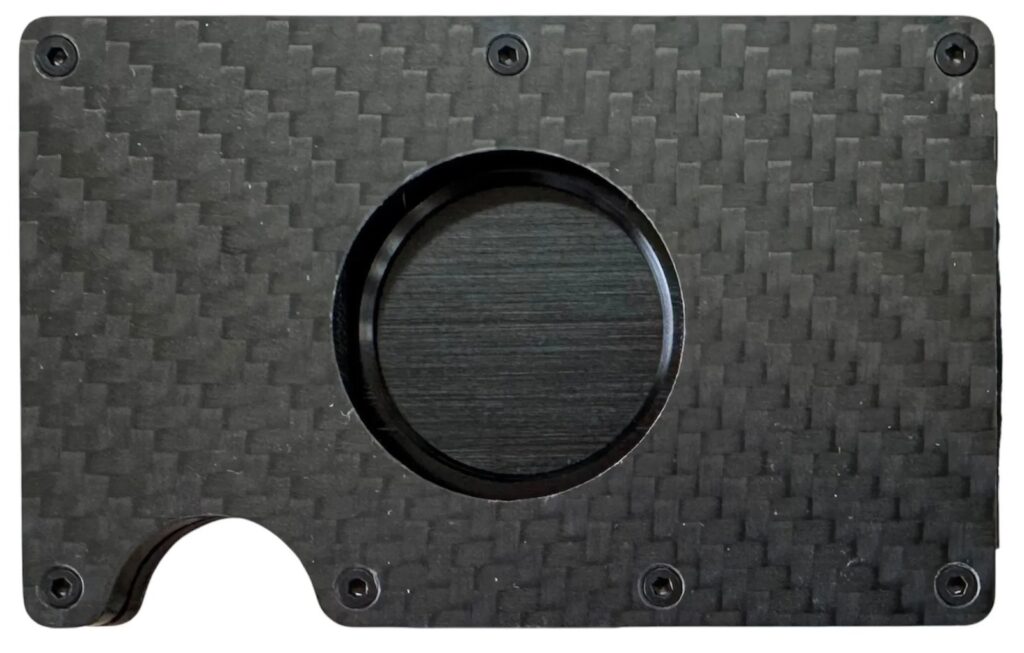
Tired of hunting for your wallet? Our Apple AirTag Wallet holds an AirTag so you can find it from your phone.
Habit 5: Watch out at gas pumps and ATMs
Physical skimmers on pumps and ATMs are a bigger risk than contactless skimming. Tap or use your phone when the reader allows it, give the card slot a wiggle and cover the keypad when you enter a PIN.
Habit 6: Carry only what you need
Every extra card in your wallet is one more card to cancel if it gets lost. Carry the cards you use every week and leave the rest at home. Our metal wallets hold 2 to 15 cards comfortably, which is plenty for most people, plus cash in the clip on the back.
Contactless cards and kids
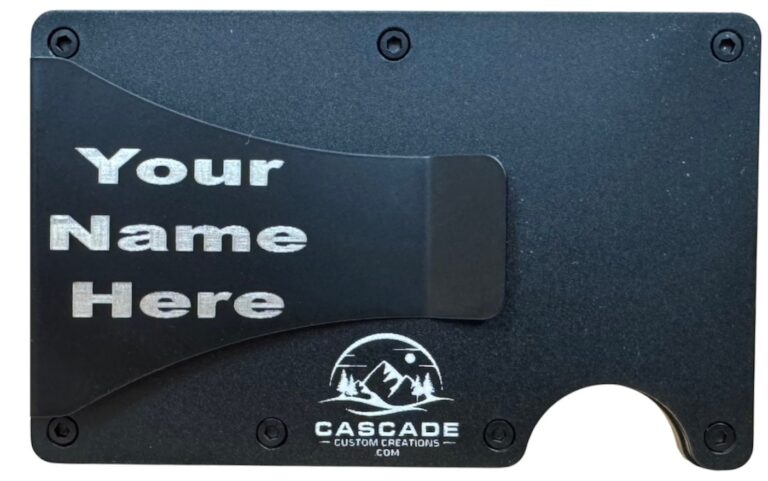
If your teenager has their first debit card, it probably has tap-to-pay. The same habits apply: keep the card in a wallet until it is needed, turn on alerts and know how to lock it in the app. A sturdy metal wallet is a great first wallet for teens. It protects the card from bending, blocks RFID and is hard to lose in a backpack. Add their name to the cash clip and it is clearly theirs.
A quick note on phones and wallets
Many people keep their phone and wallet in the same pocket. That is fine with a metal wallet. Your cards stay shielded either way, and the aluminum plates protect them from getting bent against the phone. If you carry a magnetic-stripe hotel key, keep it away from your phone’s magnets so it doesn’t get scrambled.
Frequently asked questions
Do I need to take my card out to tap? Yes. The wallet blocks the signal, so slide out the card you want to use.
Does an RFID wallet block my phone’s Apple Pay or Google Pay? No. Your phone pays on its own. The wallet only shields the cards inside it.
Pick your design, pick your color
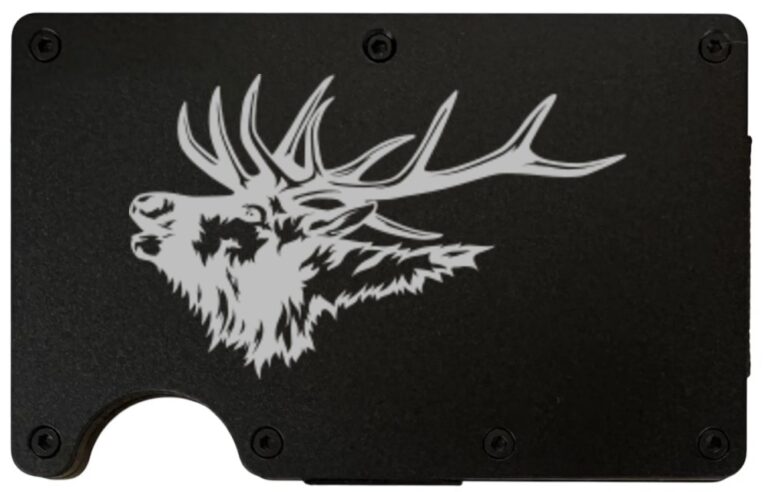
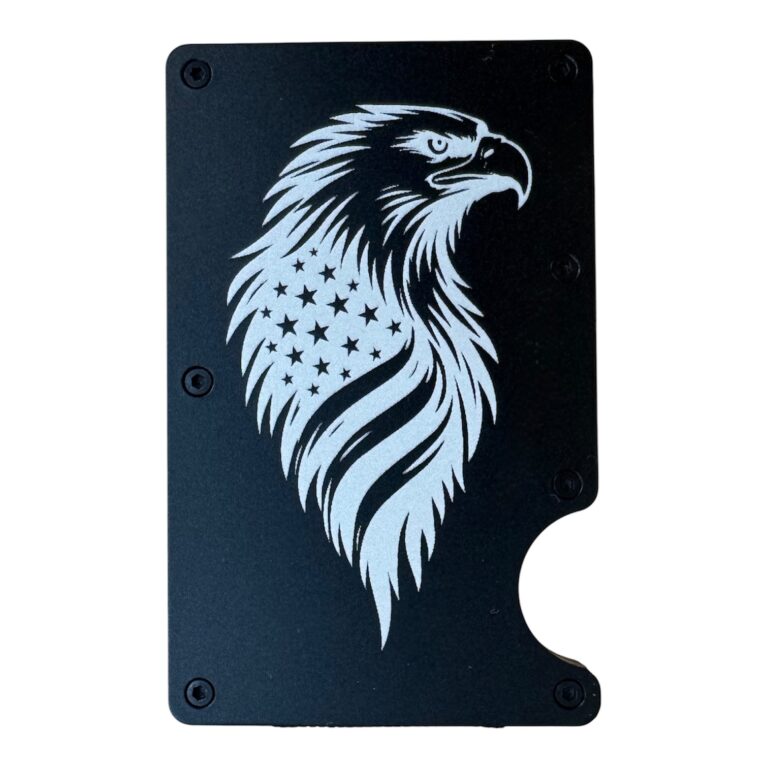
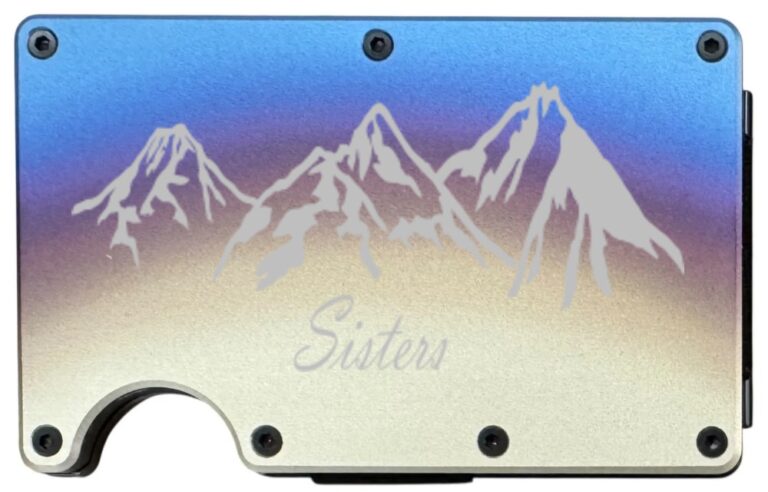
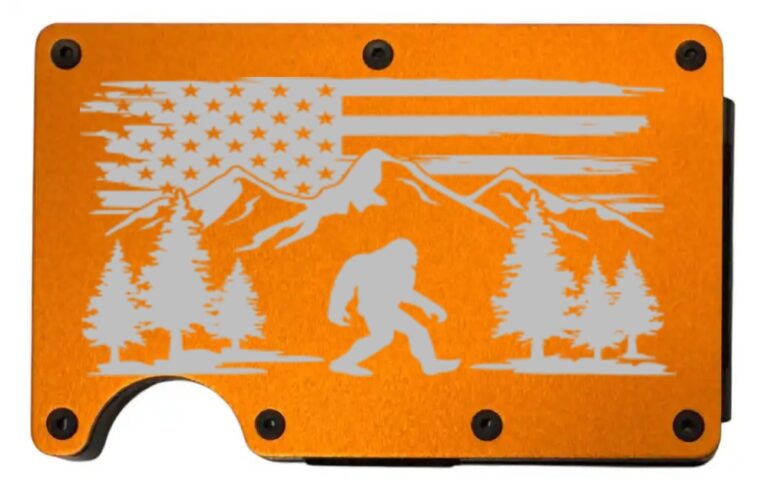
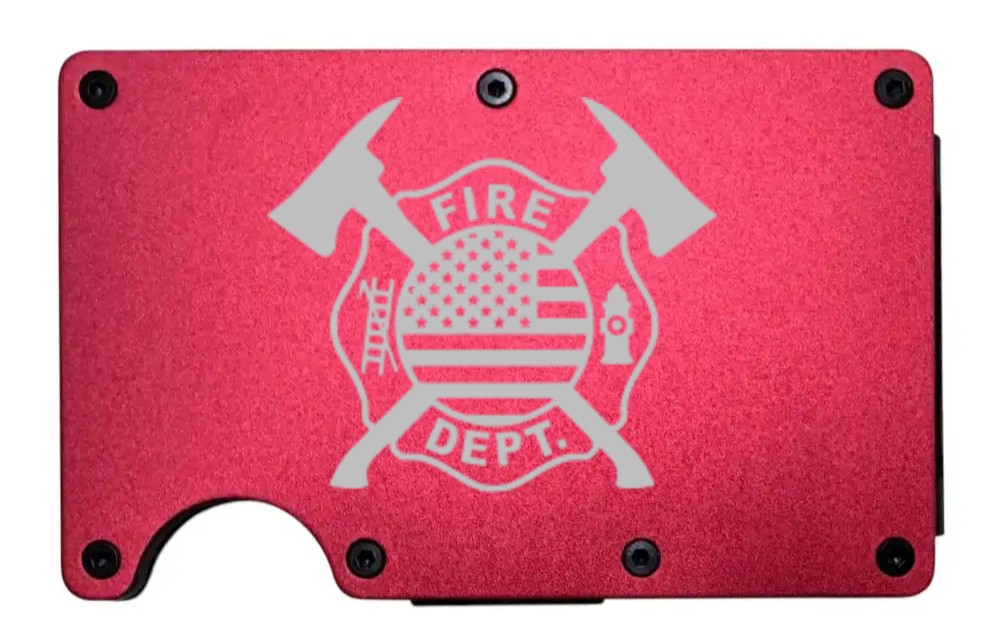
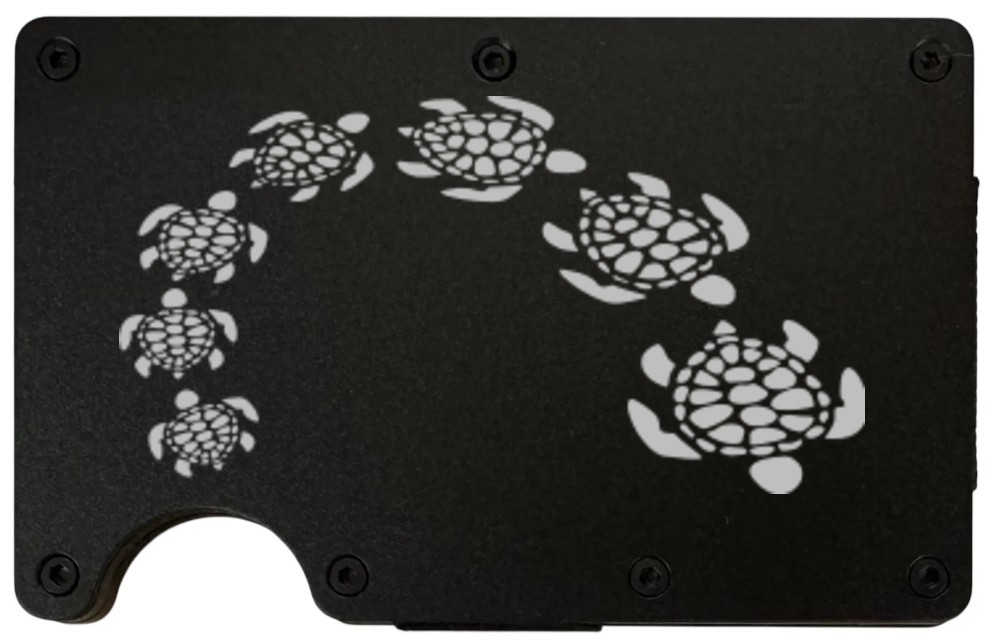
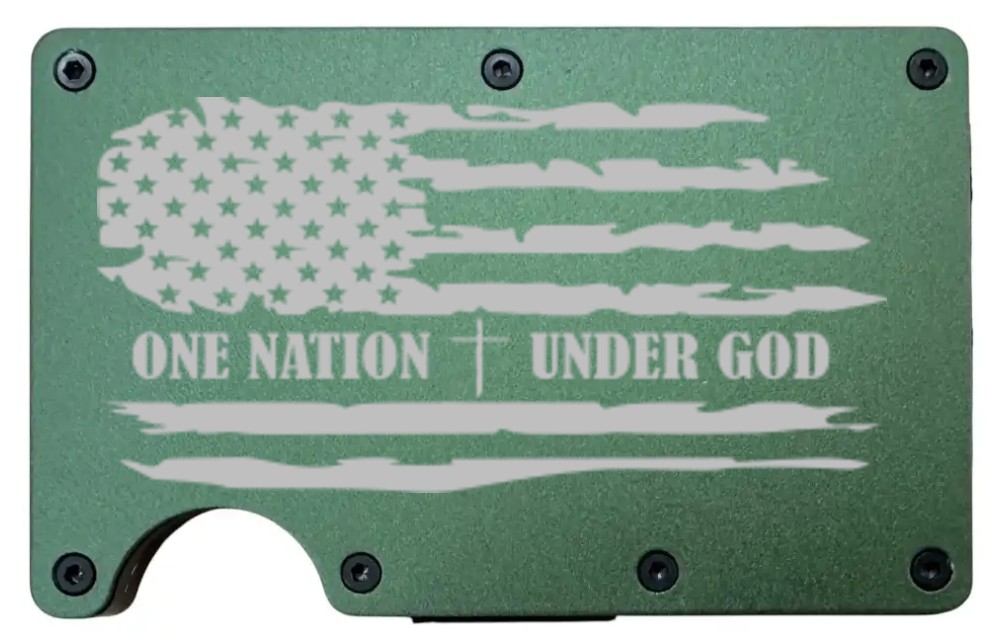
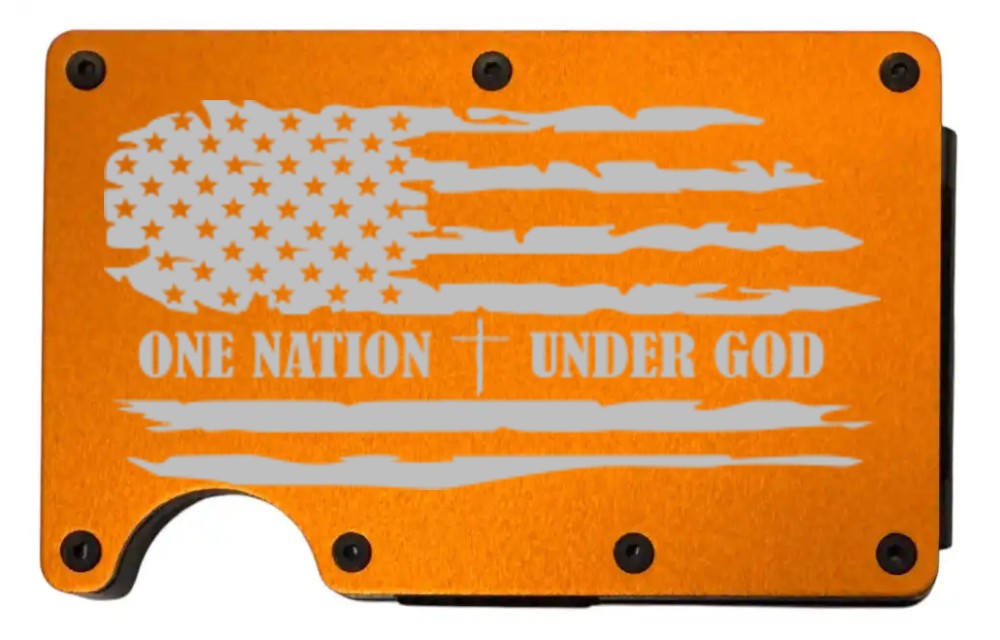
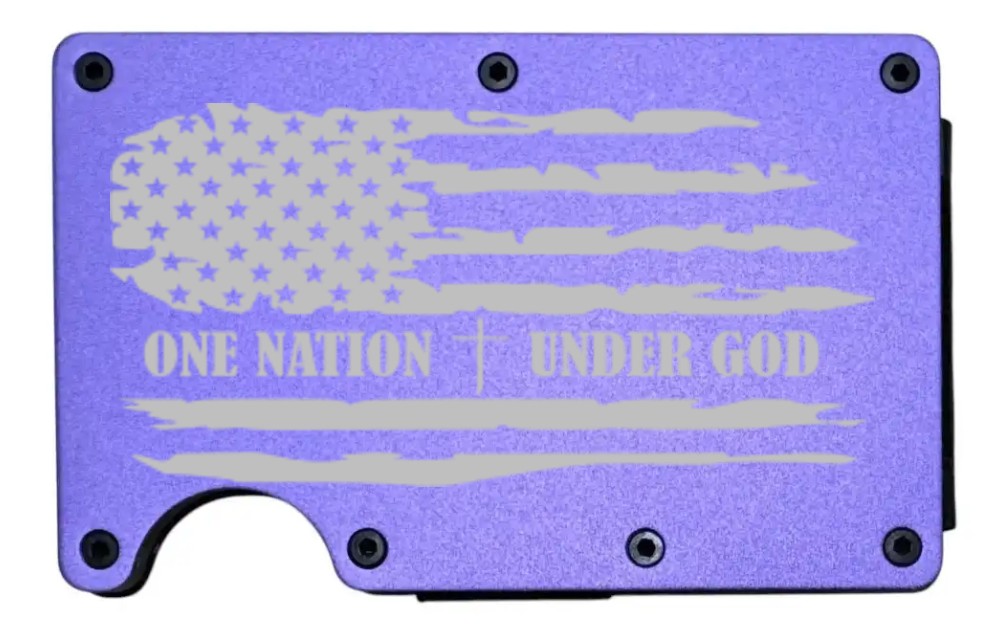
Every design can go on any of our ten wallet colors, and each color gives it a different look. Here is one design on four colors. Which one would you pick? Try your own combination in the wallet builder, where the preview updates as you choose.
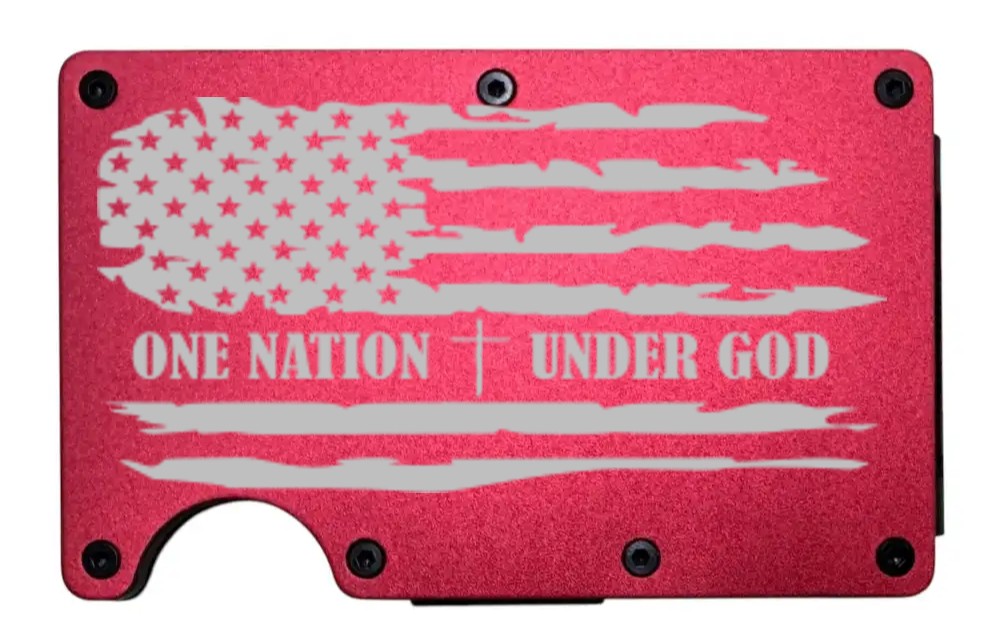
Protect your cards in style
Every one of our wallets blocks RFID while it keeps your cards organized. Choose a color and design in the Laser Engraved Metal Wallets builder, or read more about what RFID blocking does and doesn’t do.
Find us on Google: See our Google Business Profile and reviews · Leave us a Google review
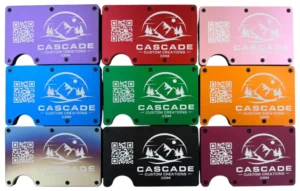
Design your laser engraved wallet
Slim RFID-blocking aluminum, 10 colors, dozens of designs or your own logo, and a free name on the cash clip. Ships in 48 hours.