Minimalist Carry: Slim RFID Wallets, Cash Clips and Finding a Lost Wallet
A thick bifold stuffed with old receipts is uncomfortable to sit on and easy to lose track of. More people are switching to a slim, minimalist carry. Here is how to make the switch with a laser engraved RFID aluminum wallet, and how to keep track of it once you do.
Step 1: Empty it out
Lay everything from your current wallet on the table and sort it into three piles:
- Every week: your main debit and credit card, driver’s license, insurance card
- Sometimes: store cards, a backup credit card, membership cards
- Never: old receipts, expired cards, punch cards you forgot about
Most people find that the “every week” pile is only five to eight cards.
Step 2: Choose what goes in
Our metal wallets hold 2 to 15 cards comfortably, which is plenty for your everyday cards plus a few extras. You can squeeze more in if you need to, but the wallet holds cards most securely in that range. Many loyalty cards can live in your phone’s wallet app instead.
Step 3: Use the cash clip
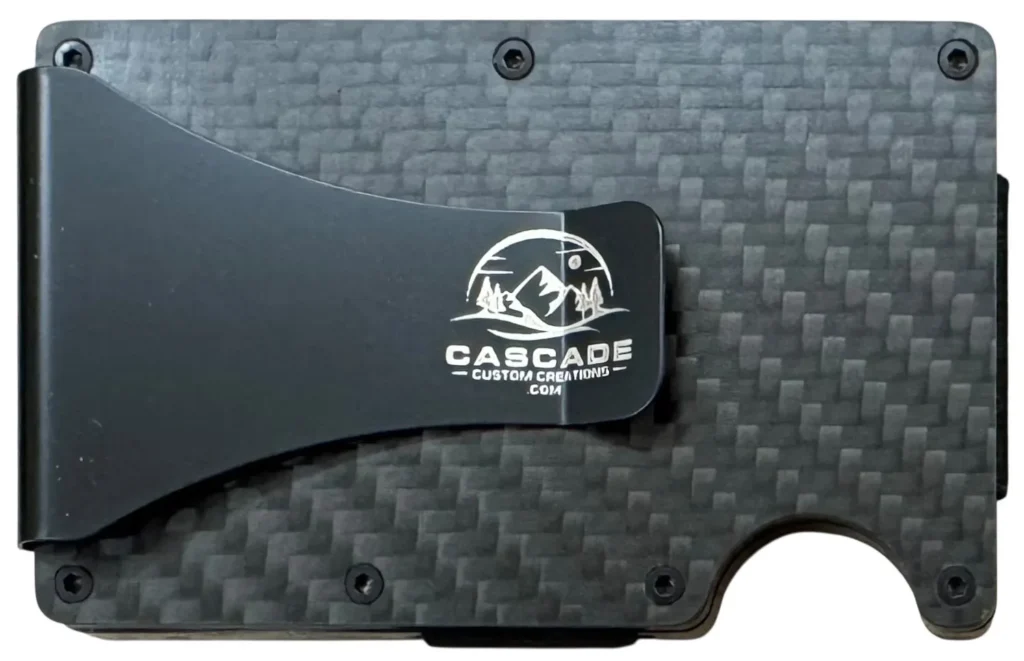
Every wallet has a cash clip on the back. Fold bills once and slide them under the clip. It keeps cash flat and easy to grab, with no fumbling through a bill pocket. It can hold receipts you need for the day too.
You don’t even have to keep it all the way in your pocket. Use the cash clip to clip the wallet to your pants just inside a front pocket, and you still have room in that pocket for keys or change. It fits women’s shorter pockets too.
Step 4: Let it protect your cards
Because the wallet is made of anodized aluminum, it blocks RFID signals. Your contactless cards stay quiet in your pocket until you slide one out to tap and pay. No settings and no batteries. It just works.
Step 5: Never lose it again
A slim wallet is easy to carry, and also easy to leave behind on a table. That is exactly why we make the Apple AirTag Wallet, which holds an AirTag so you can find your wallet from your iPhone. It holds 2 to 15 cards like our other wallets and has the same cash clip on the back.
Frequently asked questions
Will my wallet stretch out over time? No. Unlike leather, aluminum plates don’t stretch, so cards stay snug.
How do I get cards out quickly? Push the cards up through the thumb cutout on the front and fan them out to grab the one you need.
Is it comfortable in a front pocket? Yes. It is slim and lightweight, which is one of the main reasons people switch.
Can I engrave my name on it? Yes. A name on the cash clip is free on every metal wallet.
How a slimmer wallet helps your back
Sitting on a thick wallet in your back pocket tilts your hips and can put pressure on your lower back over a long day of driving or desk work. A slim front-pocket wallet avoids that completely. It is one of the most common reasons customers tell us they switched. Read more in Why Your Wallet May Be Hurting Your Back.
The bottom line
Carry less, protect what you carry and make it easy to find. A slim, laser engraved RFID aluminum wallet does all three, and it looks great doing it.
Pick your design, pick your color
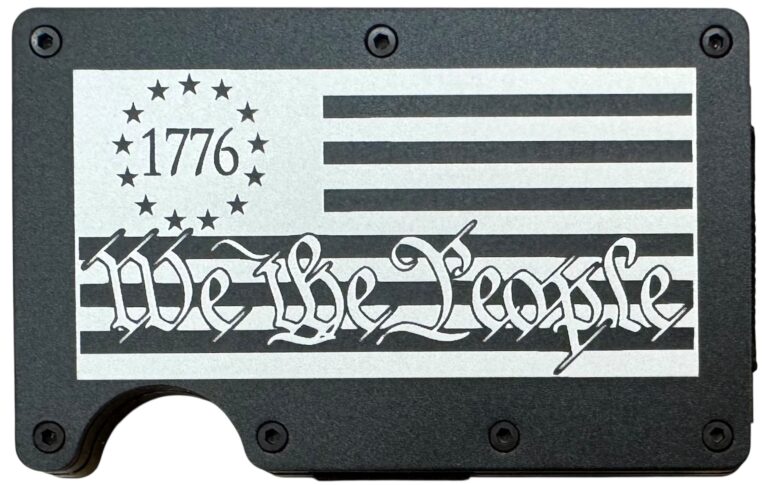
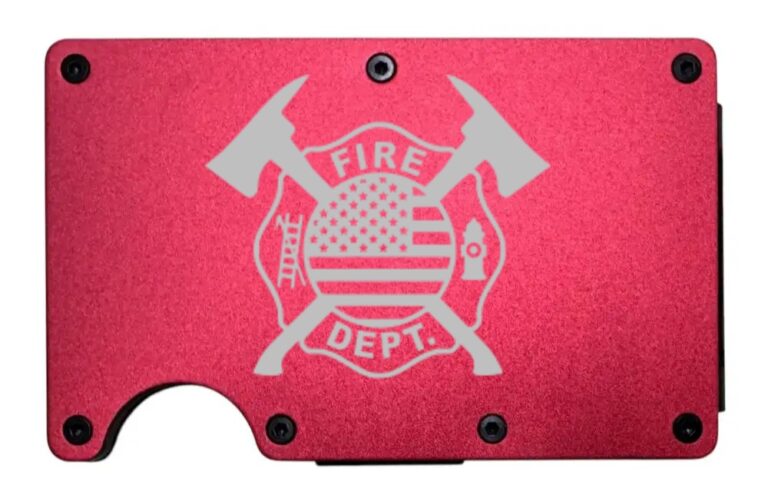
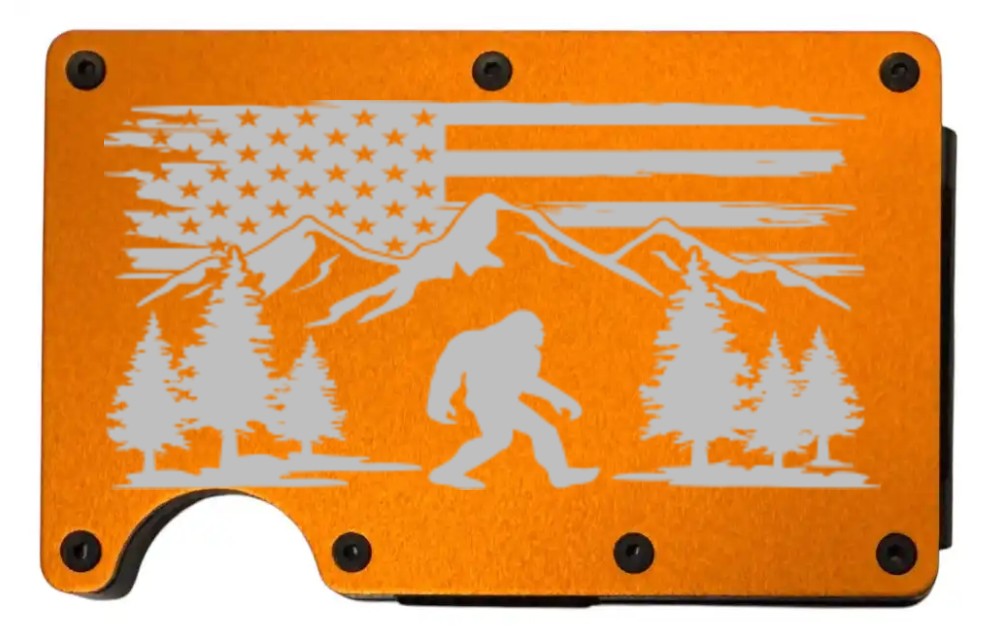
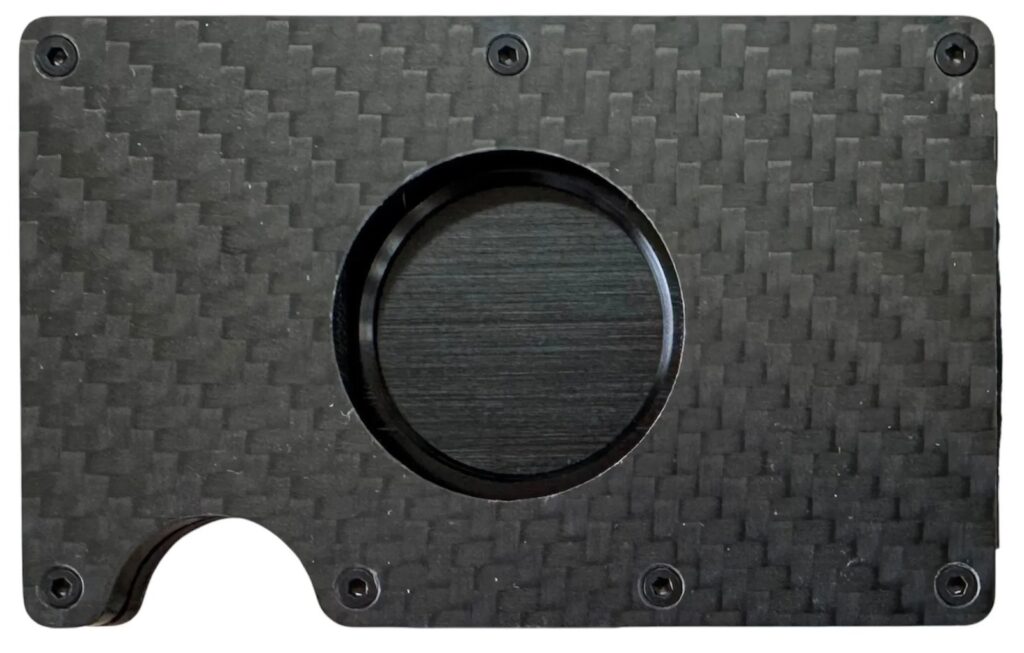
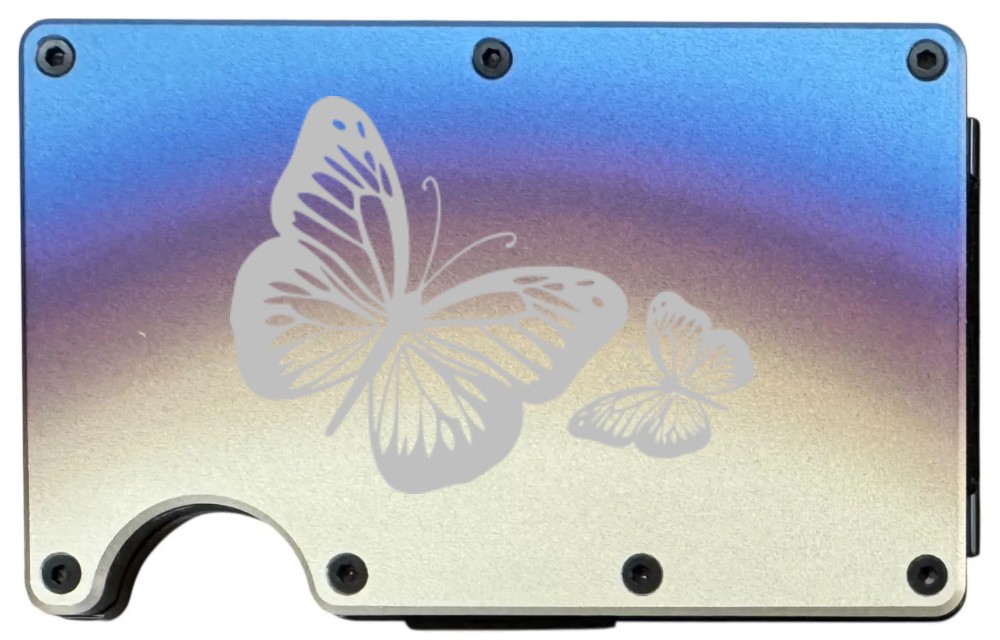
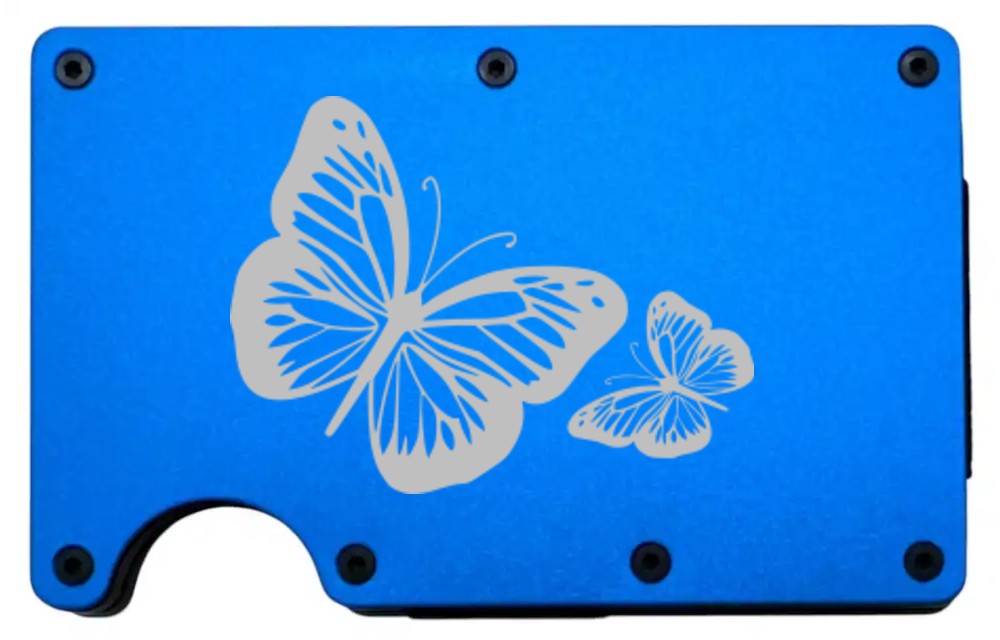
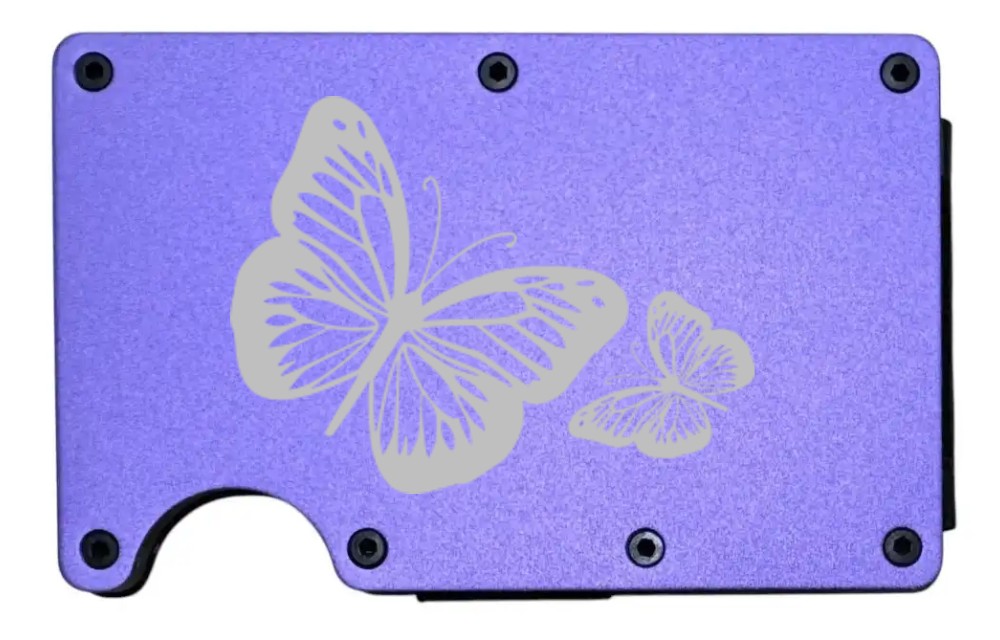
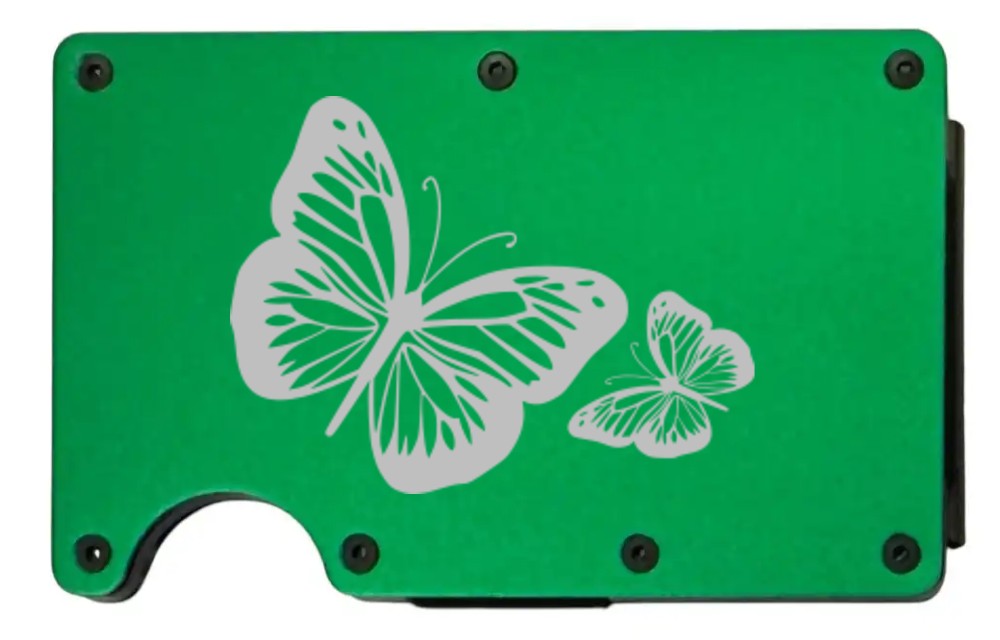
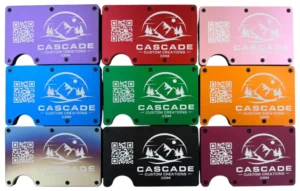
Every design can go on any of our ten wallet colors, and each color gives it a different look. Here is one design on four colors. Which one would you pick? Try your own combination in the wallet builder, where the preview updates as you choose.
Make it yours
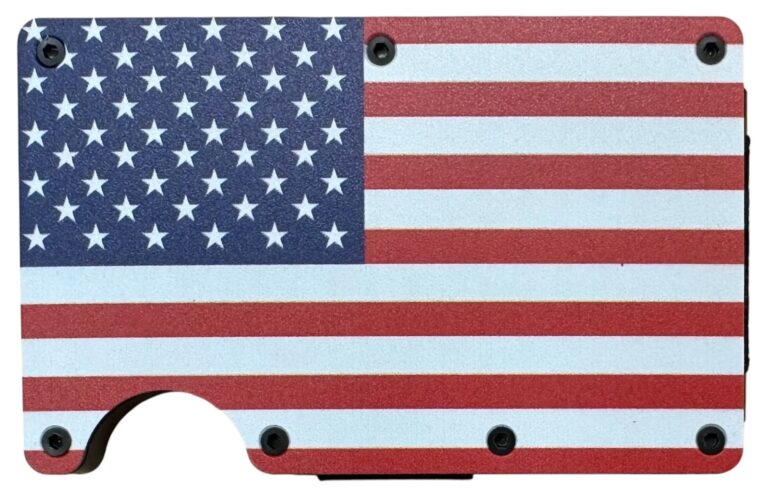
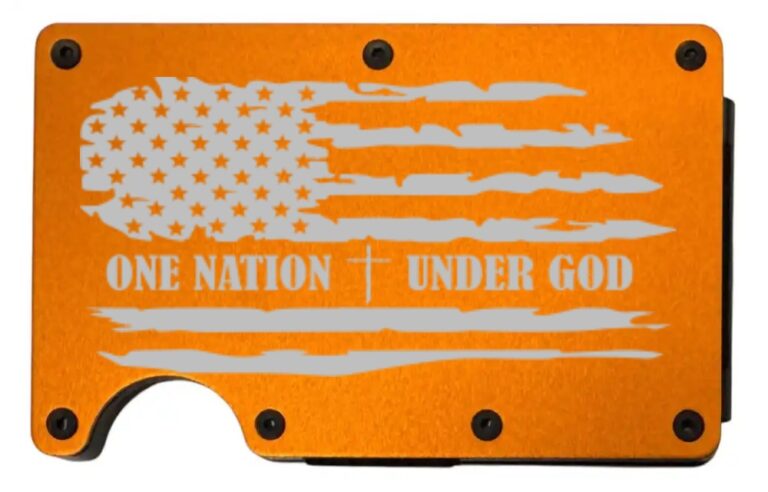
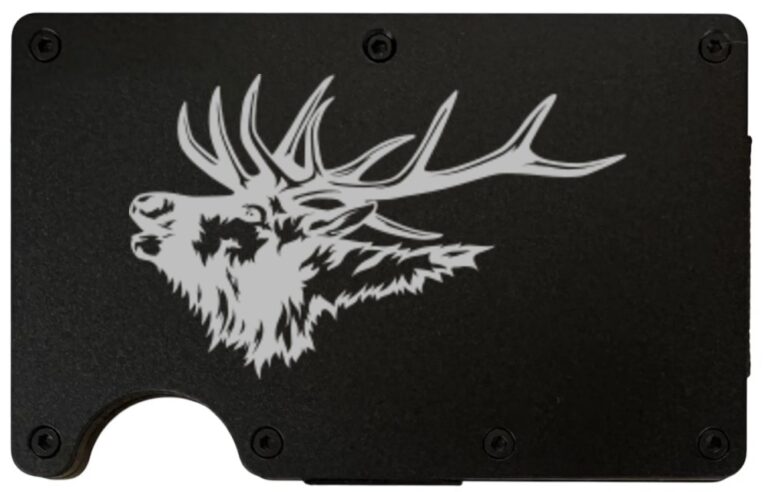
A minimalist wallet doesn’t have to be boring. Every aluminum wallet can be laser engraved with a design that fits you, like mountains, wildlife, flags or florals, or with your own logo or artwork. Add a name to the cash clip for free.
- Choose a color and design in the Laser Engraved Metal Wallets builder
- Upload your own art on the Custom Image Metal Wallet
- Track it with the Apple AirTag Wallet
Want to read more on why slimmer is better? See Decluttering Your Pocket: The Minimalist Revolution Explained.
Find us on Google: See our Google Business Profile and reviews · Leave us a Google review
Design your laser engraved wallet
Slim RFID-blocking aluminum, 10 colors, dozens of designs or your own logo, and a free name on the cash clip. Ships in 48 hours.